1. Identify what is missing before trying to fix it
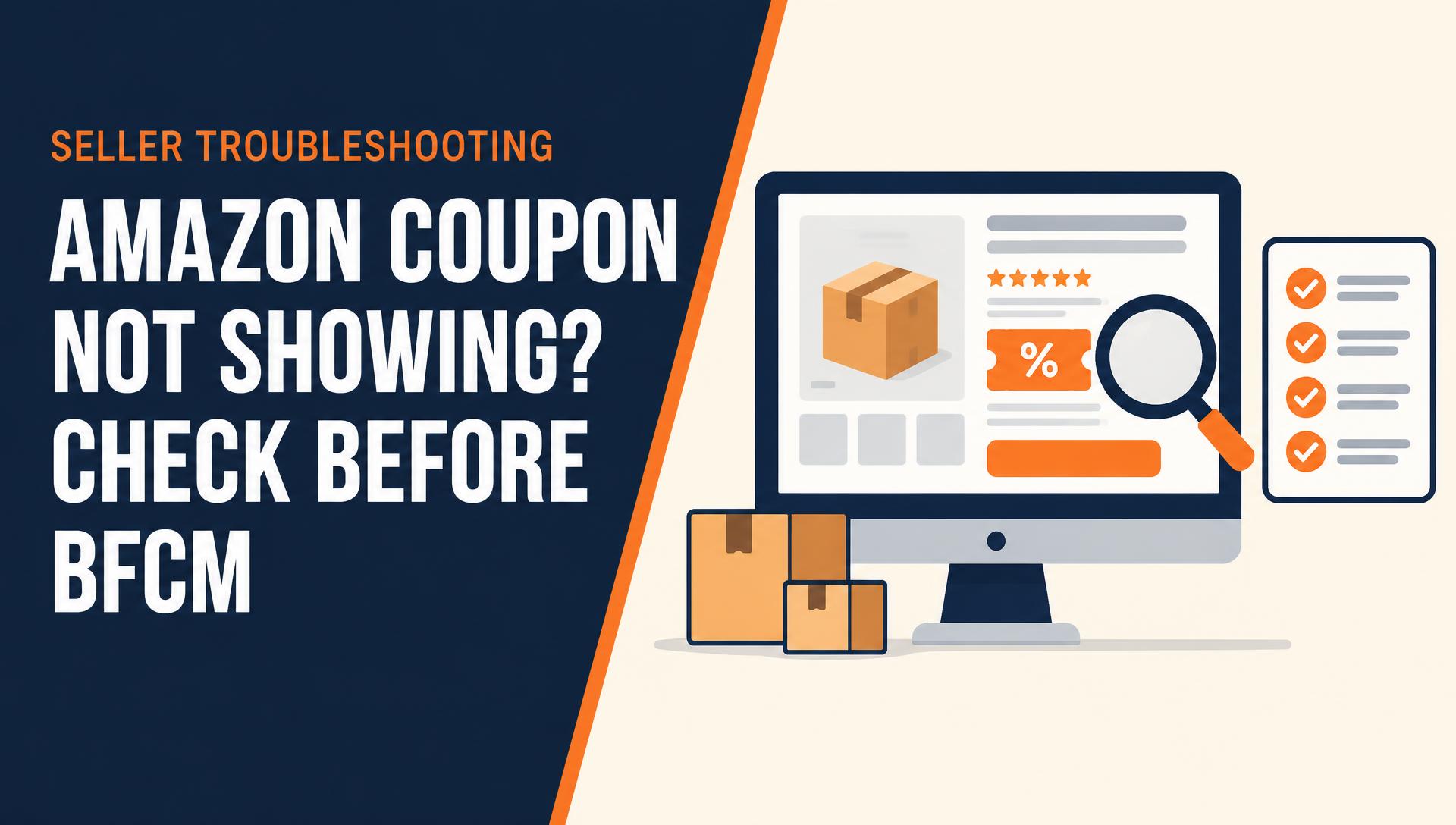
A coupon absent from search results, a coupon absent from a detail page, and a discount that fails at checkout are different symptoms. Write down which one you can reproduce. Include the marketplace, product URL, child ASIN, observation time, and the shopping context. Do not begin by raising the discount or recreating the promotion: those changes can alter the evidence without resolving the cause.
For a variation listing, check the actual child product selected on the page. A parent listing groups products; it is not a substitute for verifying the specific ASIN included in the coupon. Also confirm you are viewing the intended marketplace rather than an account or browser session that opens a different country store.
| Observed symptom | First check | What it does not prove |
|---|---|---|
| No coupon in search results | Dashboard status and the matching product detail page | That an otherwise active coupon must be broken |
| No coupon on the detail page | Selected child ASIN, live offer and dashboard errors | That increasing the discount will fix it |
| Discount fails at checkout | Offer terms, selected product and applicable shopping context | That every customer has the same problem |
| Dashboard shows an error | Exact message and linked eligibility guidance | That another seller’s workaround applies |
2. Read the coupon status, dates, and error message
Open the coupon in Seller Central and record its current status. A scheduled, ended, suppressed, or error-bearing coupon needs a different response from one marked active. Check the start and end dates and the time information shown in the account. Keep a copy of the original configuration so you can distinguish a setup mistake from a later change.
Amazon’s coupon-error help directs sellers to review dashboard errors and correct the stated issue. Follow that account-specific instruction before relying on a generic checklist. If you recently created or edited the coupon, avoid assuming that the customer-facing view updates immediately. There is no guaranteed activation or approval deadline in this guide; use the current guidance available in your account.
- Record the coupon ID, status, selected ASINs, dates, and exact warning text.
- Check whether an edit, price change, or listing change preceded the symptom.
- Resolve the named issue and recheck the same product in the same marketplace.
- Keep the diagnosis separate from whether a search-results badge appears.
3. Confirm the product and your offer are buyable
Inspect the live product page, available inventory, delivery information, and the seller attached to the displayed offer. A listing that exists is not necessarily a buyable offer from your account. If the page is unavailable or another seller’s offer is selected, investigate that before treating the missing coupon as an advertising problem.
In the linked Seller Forums discussion, an Amazon moderator identifies offer buyability, Featured Offer status, suppression, and activation as possible reasons a coupon may not display on a detail page. That is useful troubleshooting guidance, not a promise that fixing one condition guarantees every placement. Low inventory is also worth checking, but this article does not prescribe a universal stock threshold.
4. Investigate eligibility and reference-price warnings
A discount amount that looks attractive to your team may still fail the requirements shown for the product and promotion. Review Amazon’s coupon-eligibility guidance alongside the exact dashboard message. Requirements and available promotion options can differ by marketplace and change over time; do not borrow a minimum discount or price-history rule from an old screenshot.
When the message concerns a reference price, distinguish your current selling price from a validated comparison price. Entering a List Price does not itself establish that Amazon will accept or display it. Check the current reference-price policy and the evidence behind the comparison. Do not inflate a comparison price or cycle prices simply to create the appearance of a saving.
Keep coupon eligibility separate from the rules for other discount formats. A coupon, a deal, and a price discount are not interchangeable fixes. If you choose another format, check its own requirements and economics instead of assuming the original offer can be copied unchanged.
5. Review budget and shopping context without guessing
Amazon’s coupon-cost article explains why sellers need to budget for the promotion, not only the discount. Review the budget and any related message in your account. If the dashboard names a budget problem, act on it; if it does not, treat budget as a diagnostic check rather than a confirmed explanation for missing visibility. Raising the budget blindly can increase exposure without resolving an eligibility error.
Check any audience settings or offer terms against the shopping context in which you observed the problem. Use a normal product-page check without making test purchases or manufacturing engagement. Note the selected seller, product variation, marketplace, and whether the offer terms apply. A difference between two views is evidence to investigate, not proof that one universal cause has been found.
6. Make a BFCM go/no-go decision before increasing ads
Before Black Friday and Cyber Monday, separate promotion readiness from campaign readiness. If your advertising assumes a discount that shoppers cannot use, review the offer and the promotional economics before increasing investment. Do not pause all ads automatically: some campaigns may still meet their objective at the regular price. The decision should follow the effective price, buyability, stock, and available evidence.
Use the following as an internal working sheet, not an Amazon eligibility standard. Assign an owner to each unresolved issue and record the next review. This makes it easier to decide whether to correct the coupon, advertise at the regular price, support another suitable product, or postpone the promotion.
| Checkpoint | Evidence to record | Decision |
|---|---|---|
| Coupon | Status, selected ASINs, dates and errors | Correct the named issue before relying on the offer |
| Product offer | Buyability, selected seller and stock | Resolve retail availability separately |
| Economics | Effective price, selling fees, coupon costs and returns allowance | Confirm what the promotion can afford |
| Advertising | Spend objective and mature performance data | Retain, adjust or defer spend with a written reason |
7. Escalate with a reproducible support case
If the problem remains after the named errors are addressed, submit a concise Seller Support case. Include the marketplace, coupon ID, affected ASINs, dashboard status, exact error, timestamps, and screenshots of the relevant product-page view. Explain the expected behavior and what actually happened. Ask which requirement or offer condition is preventing the coupon from displaying or applying.
Keep a change log rather than opening overlapping cases or repeatedly recreating the same offer. After a correction, verify the original symptom again and record the outcome. Coupon display, conversion, advertising efficiency, and organic visibility are separate outcomes: a restored offer does not establish that sales or rankings will improve.