Why the Buy Box decides your revenue, not your ranking
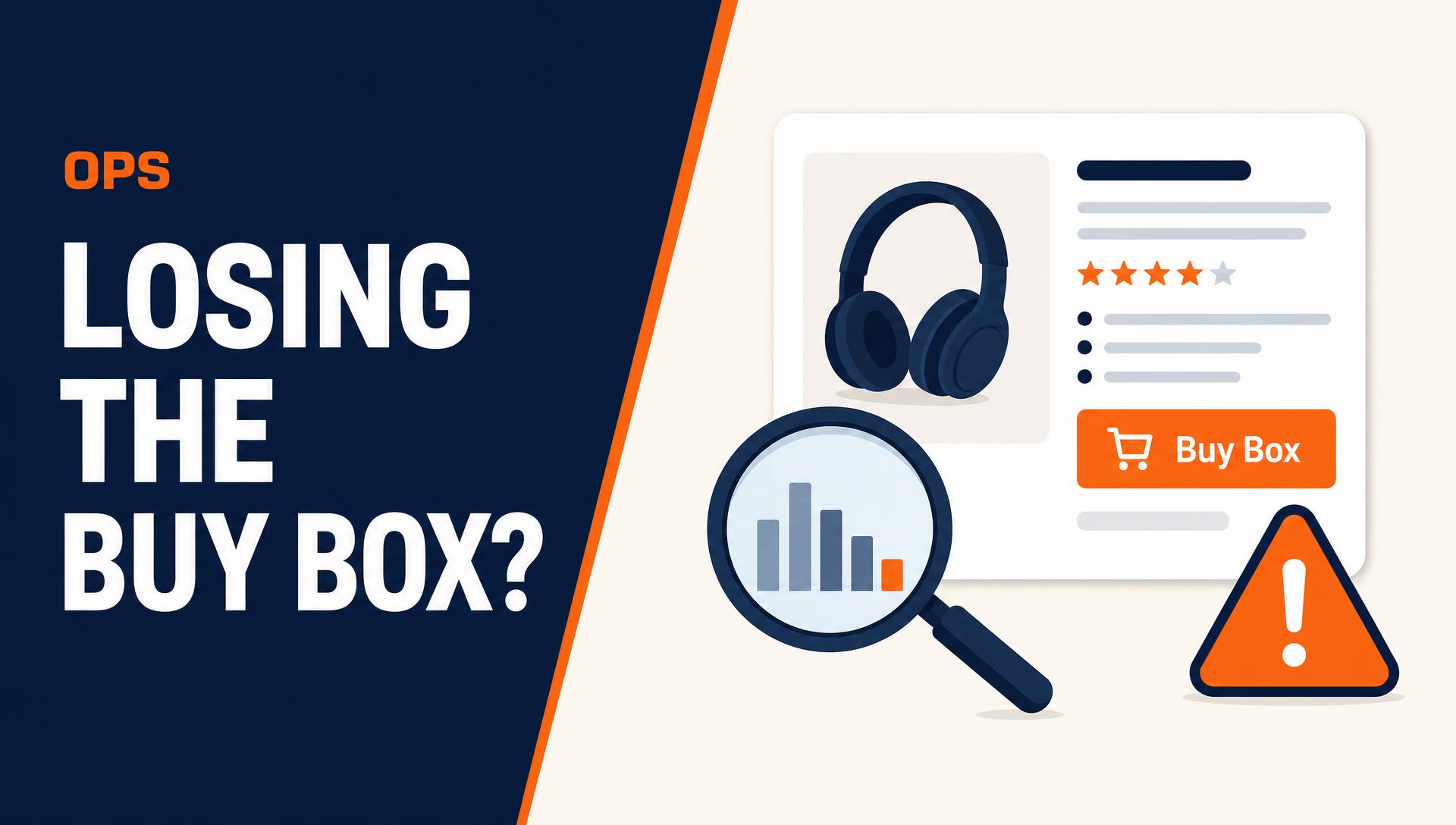
The large majority of Amazon purchases go through the Buy Box add-to-cart button. When you lose it, your listing keeps its rank, keeps its reviews, and keeps receiving traffic, but the orders route to another offer. That is why a Buy Box problem looks like a sudden conversion collapse with no change in sessions.
It also breaks advertising. Sponsored Products ads generally stop serving for an ASIN when you do not hold the Buy Box, so ad spend drops to near zero and organic sales follow within days. Diagnosing quickly matters more here than in almost any other Amazon operations issue.
The five inputs, in the order you should check them
| Input | What to check | Typical fix |
|---|---|---|
| Landed price | Your price plus shipping against every competing offer | Reprice to match landed cost, not list price |
| Fulfillment | FBA, Seller Fulfilled Prime, or merchant fulfilled | Move top ASINs to FBA or qualify for SFP |
| Seller metrics | Order defect rate, late shipment rate, cancellation rate | Fix the operational cause, then wait out the trailing window |
| Stock coverage | Days of cover and inbound shipment timing | Rebalance inventory, expedite inbound |
| Policy flags | Pricing suppression, listing or account health warnings | Adjust price to market, resolve the flag |
Price is a landed number, not a list number
The most common self-inflicted Buy Box loss comes from comparing list prices while a competitor wins on total delivered cost. Amazon evaluates the price a shopper actually pays, so a seller with free shipping can beat a lower list price that adds a delivery charge at checkout.
Automated repricing helps only when the rules are written against landed cost and a hard margin floor. A reprice loop with no floor turns a Buy Box problem into a profitability problem, which is worse and slower to unwind.
Fulfillment speed and account health are the quiet disqualifiers
Promised delivery speed is part of the calculation, which is why FBA offers routinely hold the Buy Box against cheaper merchant-fulfilled offers. If a hero ASIN is still merchant fulfilled, that is usually the single highest-leverage change available.
Account health works differently. When order defect rate, late shipment rate, or pre-fulfillment cancellation rate crosses threshold, eligibility suppression can apply across the account rather than to one listing. If several unrelated ASINs lose the placement on the same day, check account health before you touch pricing.
- Multiple ASINs losing the Buy Box at once points to account-level metrics, not per-ASIN pricing
- One ASIN losing it points to a competing offer, stock, or a listing-level flag
- A Buy Box that disappears for everyone including you points to pricing-policy suppression
The recovery checklist
- Pull the offer listing page and compare landed price across every seller on the ASIN
- Confirm fulfillment method and current promised delivery date on your offer
- Review account health metrics against Amazon's published thresholds
- Check days of cover and any inbound shipment that has not been received
- Look for a pricing suppression notice or listing quality flag in Seller Central
- Once the cause is fixed, monitor Buy Box percentage hourly rather than daily, because recovery is often partial before it is complete
Preventing the next one
Buy Box percentage belongs on your weekly reporting next to sessions and conversion rate. Most brands only notice a problem after revenue drops, which wastes several days of the fix window.
The structural preventions are unglamorous and effective: keep hero ASINs on FBA, hold a margin floor in the repricer, maintain stock cover above your replenishment lead time, and treat any account health warning as a same-week priority rather than a background task.